On this page
Most WordPress speed articles are written by people who never checked whether the change moved real user data. They improve the score, ship it, screenshot the green circle and never look at the Chrome UX Report again. The changes that raise a Lighthouse score and the ones that improve what real visitors experience are often not the same.
Here are the changes that tend to show up in real-user data, ordered by how much you get per hour of work.
Lab data, field data, and why your PageSpeed score misleads you
PageSpeed Insights shows two things people confuse all the time. The top section is field data: real Chrome users on real devices over the last 28 days. The bottom section is a lab test on a simulated mid-range phone and network, run once from a Google data centre.
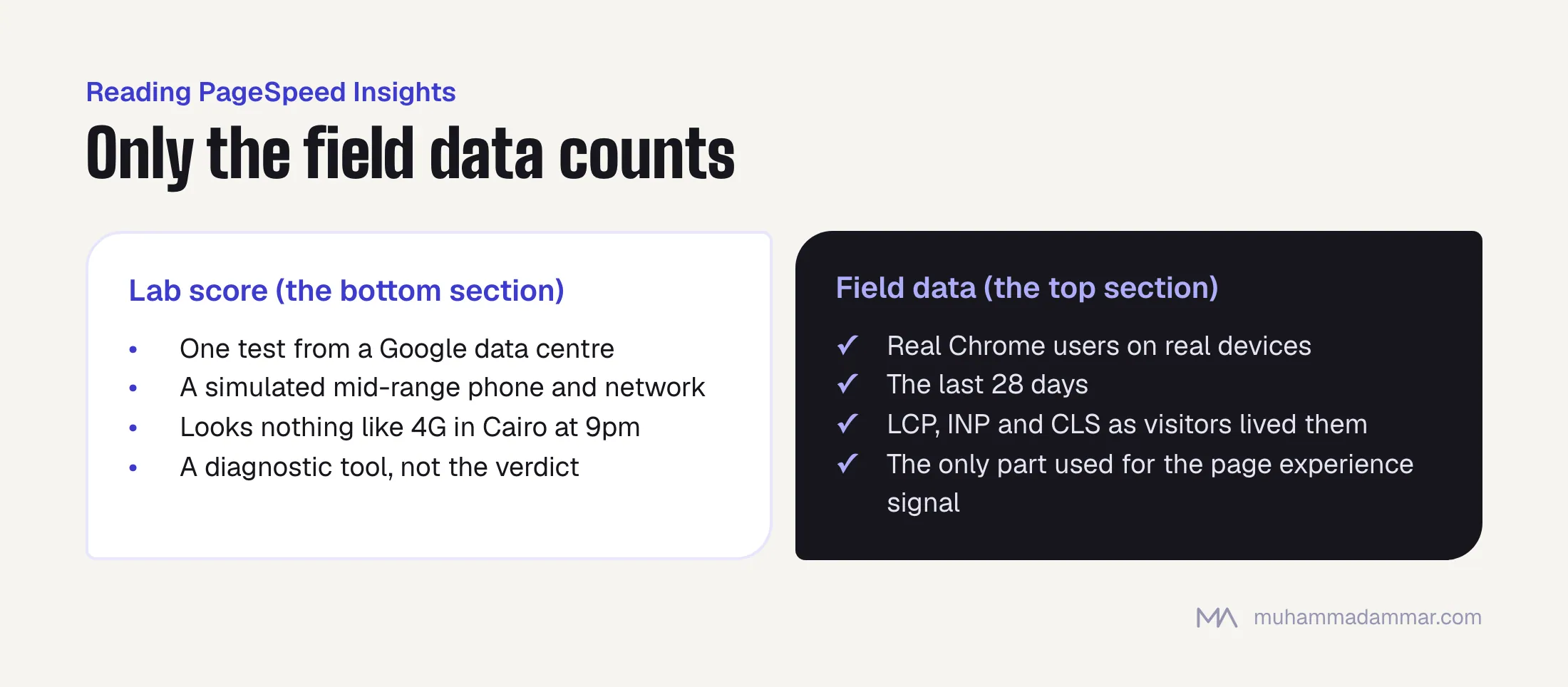
Only the field data counts for Google’s page experience signal. The lab score is a diagnostic tool, and in this region a poorly calibrated one: the simulated network looks nothing like 4G in Cairo at 9pm, and the simulated phone is usually faster than the one your customer is holding.
- LCP: how long until the biggest thing on the first screen appears, usually an image or a heading in the hero.
- INP: how long the page takes to respond after a tap. This is the one WordPress sites fail.
- CLS: how much the layout jumps around while loading.
If your site doesn’t get enough Chrome traffic, PageSpeed may show no field data at all. Then you’re working blind, and you should add a small real-user measurement script instead of trusting lab scores.
Why WordPress sites fail INP
INP measures how long the browser’s main thread is busy when someone taps something. WordPress sites fail it for a structural reason: a typical install loads jQuery, several plugins each add their own scripts on top, and each one attaches handlers to things people are likely to tap. One tap on a menu item can set off a chain of handlers from four plugins that were never written to work together.
The biggest culprits I see again and again, in order:
- Third-party tag managers firing synchronously when someone interacts.
- Chat widgets that load their whole interface on the first tap anywhere on the page.
- Slider and carousel libraries loaded on every page, including pages with no slider.
- Analytics scripts loaded in the head without
async. - Page builders that load their whole runtime on pages made of static blocks.
Six fixes, ranked by impact per hour
| # | Fix | Effort | Usually improves |
|---|---|---|---|
| 1 | Delay all non-essential third-party scripts (chat, heatmaps, remarketing pixels) until the first interaction | 1 hour | INP, and LCP indirectly |
| 2 | Preload the LCP image and remove loading="lazy" from it | 30 minutes | LCP |
| 3 | Serve the hero image in a modern format at the right size for each screen width | 1 to 2 hours | LCP |
| 4 | Stop loading plugin CSS and JS on pages that don’t use that plugin | 2 to 4 hours | INP |
| 5 | Set a width and height on every image and reserve space for ads and embeds | 2 hours | CLS |
| 6 | Fix how fonts load (next section) | 1 to 2 hours | LCP, CLS |
Do number one first on almost any site. It’s a single snippet, it carries no design risk, and in my experience it’s usually the biggest INP improvement available.
Arabic web fonts: the hidden LCP cost
Hardly anyone writes about this, and it’s why many Arabic sites have worse LCP than their English versions on the same hosting.
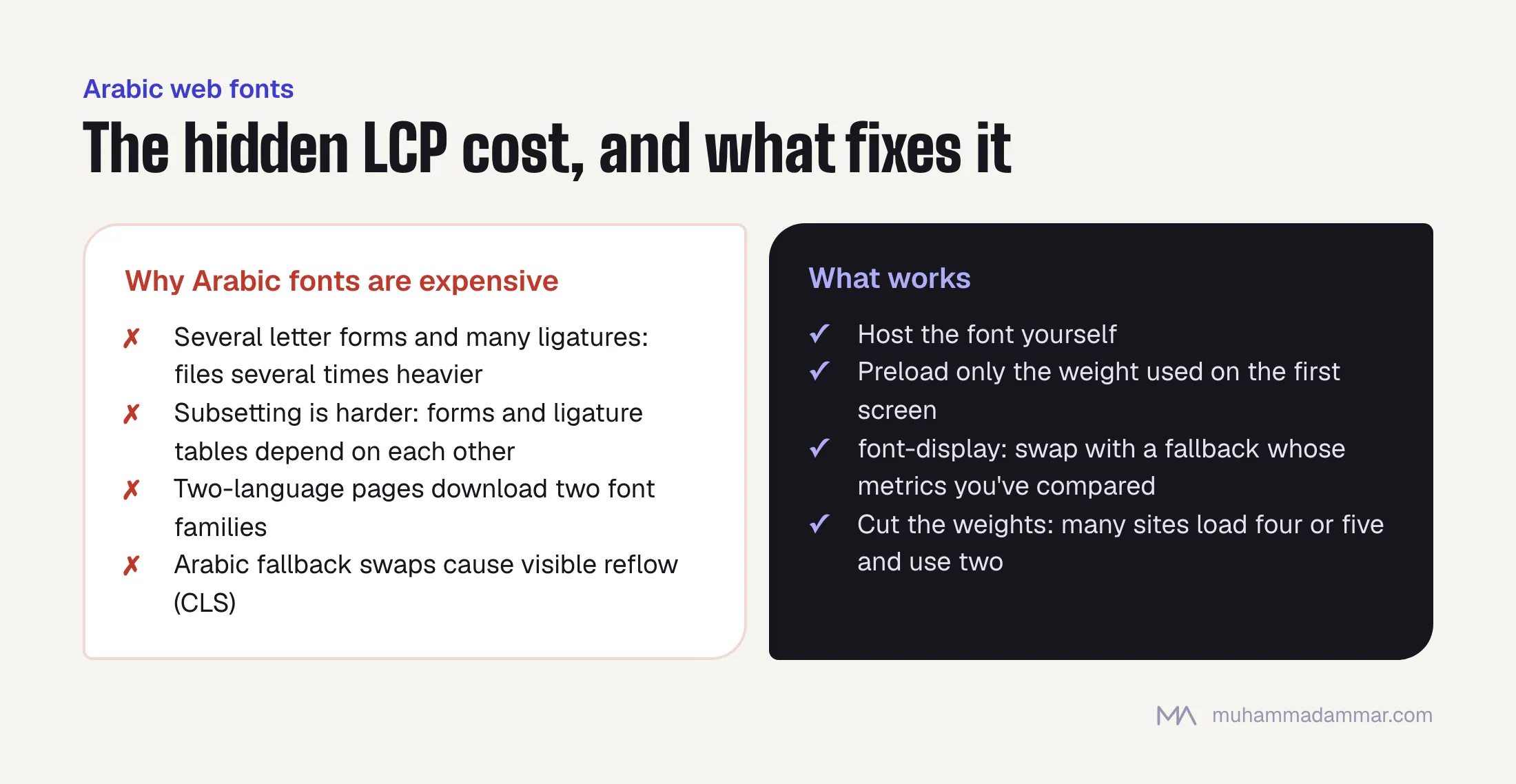
- Arabic font files are big. Arabic needs initial, middle, final and standalone forms of each letter plus many ligatures, so the Arabic version of a typeface is often several times heavier than the Latin one.
- Subsetting is harder. You can’t safely strip glyphs from an Arabic font the way you can trim a Latin one to a character range, because the letter forms and ligature tables depend on each other.
- Two-language pages load two font families. An Arabic page that shows any English text in a Latin typeface downloads two families before the heading appears.
- The fallback swap is jarring. Arabic system fonts differ enough in width and baseline that swapping causes a visible reflow, which counts as CLS and looks bad.
What works: host the font yourself instead of loading it from a third party, preload only the one weight used on the first screen, use font-display: swap with a fallback whose metrics you’ve actually compared, and cut the number of weights. Many Arabic sites load four or five weights and use two. If your heading and body fonts are different families, you pay that cost twice.
Test the Arabic side of the site specifically. A two-language WordPress site can pass Core Web Vitals in English and fail in Arabic, and because most people test only the homepage in one language, nobody notices for months.
What I stopped bothering with
- Chasing 100 on mobile. Past a point you’re optimising a simulation, not what people experience.
- Minifying HTML. Measurable in bytes, invisible in field data.
- Combining all CSS into one file. Good advice under HTTP/1.1, mostly neutral now.
- Critical CSS plugins. On a well-built theme the gain is small, and the risk of breaking Arabic right-to-left layouts is real.
- Changing hosting first. Server response time matters, but it’s rarely the bottleneck on a site whose main thread is blocked for two seconds by scripts.
If you want this done properly instead of plugin by plugin, that’s part of my technical SEO work, and where speed meets sales, CRO and landing pages is the other half of the same problem. If your LCP problem turns out to be about rendering more than file size, testing whether Google renders your JavaScript is the next step.
Frequently asked
Does a caching plugin fix Core Web Vitals?
It helps time to first byte, and so LCP a little. It does nothing for INP, which is a main-thread problem, and caching plugins often add JavaScript of their own.
How long before field data shows a fix?
The Chrome UX Report uses a rolling 28-day window, so expect partial movement after a week and the full picture after a month. Don’t judge a fix after three days.
Is speed a big ranking factor?
Small as a direct signal, big as a conversion factor. Improve it for the second reason and you get the first for free.
Should I move away from my page builder?
If the site is already built, it’s rarely worth it. If you’re rebuilding anyway, a block theme or a hand-built theme starts you several hundred kilobytes ahead.
What about AMP?
Not worth adopting now. Its old traffic advantages are gone, and it adds a second version of every page to maintain.
Want to know which of the six fixes your site actually needs before you spend a week on the wrong one? Send me your site.

SEO and digital marketing consultant since 2015, working with businesses in Egypt, Saudi Arabia and the UAE.
About the author and editorial standards