On this page
- What are the stages of building a mobile app for a business?
- What do you decide in the scope stage of an app?
- What should you check before approving the app design?
- How do you follow an app build without reading code?
- What testing should happen before an app is launched?
- What happens when the app goes to the App Store and Google Play?
- What happens after an app is launched?
- Frequently asked
The mobile app development process has seven stages: preparation, scope, design, build, testing, store publishing, and running it after launch. At every stage the business owner has a decision to make and should receive something concrete to check before approving the next one. A stage approved without checking tends to come back as rework later, when changes are harder.
I have delivered client mobile apps, each for Android and iOS together, and the work follows this order. If you are still deciding whether you need an app at all, app or website: which does your business need first comes before these stages.
What are the stages of building a mobile app for a business?
An app goes through seven stages, and each one ends with a sign-off: you approve what you received before the next stage starts. Design and build often run in rounds, and each round still ends with an approval.
| Stage | What you decide | What you receive | Check before you approve |
|---|---|---|---|
| 1. Preparation | Who the app is for, the problem it solves, and who on your side approves the work | A short brief: the types of user, what each one does, what the app must do on day one | Could a developer understand the app from it without a meeting? |
| 2. Scope | What goes into the first version, what waits, the languages, how the app is built | A written scope: screens, features, admin panel, back end, outside services, and what is not included | Is every feature you expect listed, and is “not included” written down? |
| 3. Design | How the app looks and how each task flows, in Arabic and English | Wireframes, then designed screens and a clickable prototype | Have you tapped through every main task on your own phone, in both languages? |
| 4. Build | The changes that come up, each one in writing | A test build at each milestone on Android and iOS, and a working admin panel | Did you install the build yourself and finish a real task in it? |
| 5. Testing | Which problems must be fixed before launch and which can wait | A list of what was tested, on which phones, with results and open issues | Were sign-up, login, the main task and account deletion all tested? |
| 6. Store publishing | The listing text, the screenshots, where and when the app goes live | The app submitted from developer accounts in your company’s name | Does the store show your company as the developer, and do you hold the logins? |
| 7. After launch | What goes into the next version | Crash and usage reports, updates, and a handover package | Do you hold the code, the accounts, the design files and back-end access? |
What do you decide in the scope stage of an app?
The scope stage settles what the first version of the app contains, in a written document you should read line by line.
- The types of user. A customer, a staff member and an administrator each need their own screens and permissions, which is why user types are one of the things that decide what an app costs.
- The first version and what waits. Pick the features that prove people will use the app and park the rest. The trade-offs are in what goes into the first version of your app.
- The admin panel. What your team must manage from it: users, orders, content, reports.
- How it is built. One shared codebase for both phones or a separate app for each. Native or cross-platform explains when each suits a business app.
- Outside services. Maps, SMS login codes and payment providers each need an account, opened in your company’s name.
Name one person on your side who has the final say. When three people approve screens separately, the app gets redesigned in every meeting. On an app development project, the scope should be written and approved before any design starts.
What should you check before approving the app design?
Approve the design only after you have used a clickable prototype on your own phone, in Arabic and in English.
Wireframes come first and show the order of the screens without colour, and reviewing mobile app UI/UX design covers what to check in each design deliverable. Fix the flow there: moving a step in a wireframe means redrawing a box, and moving it after the build means changing code and testing again. Before you sign off the designed screens, check that:
- every main task can be finished in the prototype, start to end;
- the Arabic screens are checked one by one: icons that point a direction, numbers, long labels on buttons, Arabic and English mixed in one line;
- empty, loading and error screens exist, such as what a new user sees with no orders yet;
- the admin panel is designed too, since your team will use it every day.
If the interface is the part you’re unsure about, app design covers this stage on its own.
How do you follow an app build without reading code?
You follow the build through test versions installed on your own phone at each milestone.
On iPhone, Apple’s TestFlight lets developers invite testers to install beta builds and send feedback. On Android, Google Play’s internal testing track sends a build to up to 100 testers. Ask to be one of them from the first milestone.
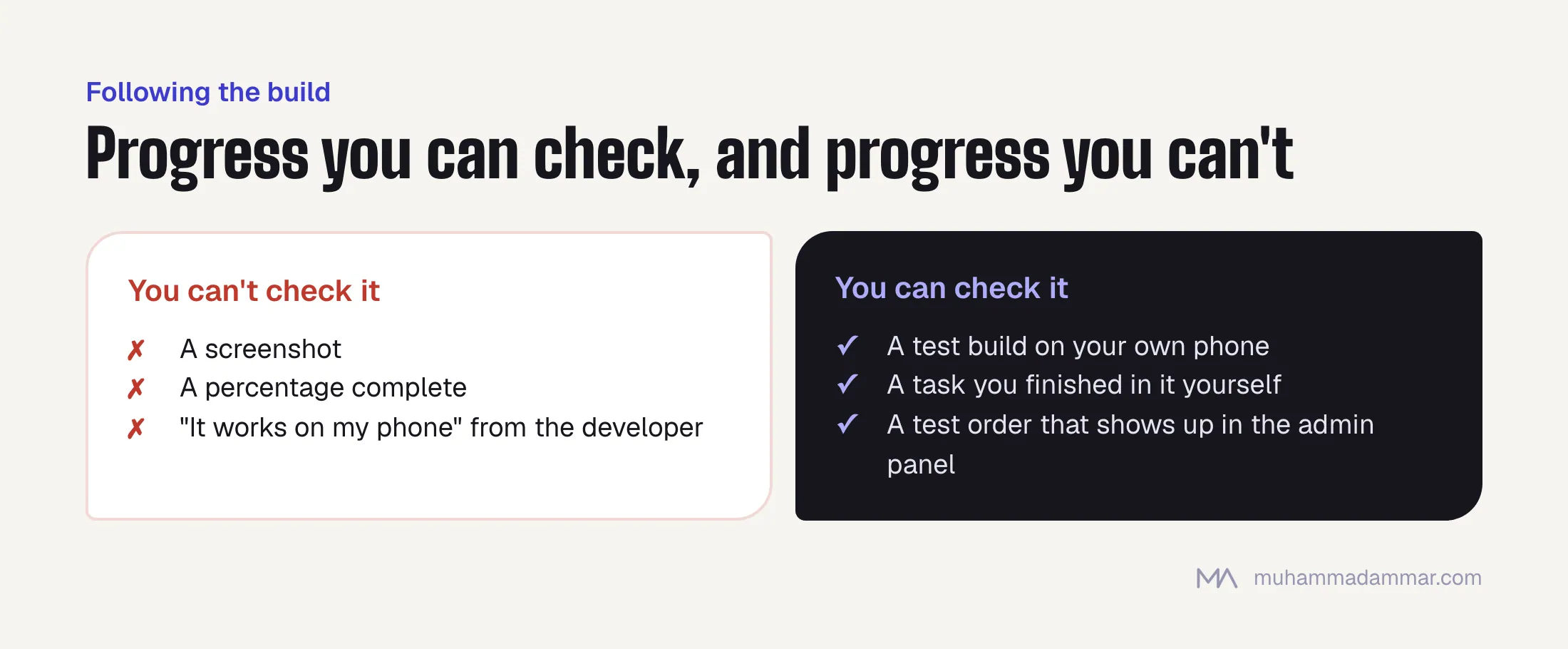
Progress you can check is a build on your phone, a task you finished in it, and a test order that shows up in the admin panel. A screenshot, a percentage complete, or “it works on my phone” from the developer can’t be checked. The back end and the admin panel are often most of the work, so ask to see them at each milestone too.
The working habits to look for in a developer are in how to choose a mobile app development company.
What testing should happen before an app is launched?
Testing should cover the tasks real users do, on the phones they use, in both languages, plus what the stores check.
- Each main task end to end: sign-up, login, the core task, payment if there is one, logging out.
- A range of phones, including older and smaller ones.
- A weak connection. What does the app show when the network drops halfway through a task?
- Account deletion. Apple’s App Review Guidelines say an app that supports account creation must also offer account deletion inside the app. Google Play requires an in-app path and a web link for deletion requests.
- A privacy policy. Apple requires a link to it in the listing and inside the app, and Google requires one for the Data safety form.
When you upload a build, Play Console’s pre-launch report installs the app on devices in Google’s test lab and reports stability, compatibility, performance and accessibility issues. Read it with the developer’s test list, then agree which open issues block the launch.
What happens when the app goes to the App Store and Google Play?
The app is submitted from developer accounts, reviewed by Apple and Google, and published once each approves it. Open those accounts in your company’s name, because the account decides whose name the store shows.
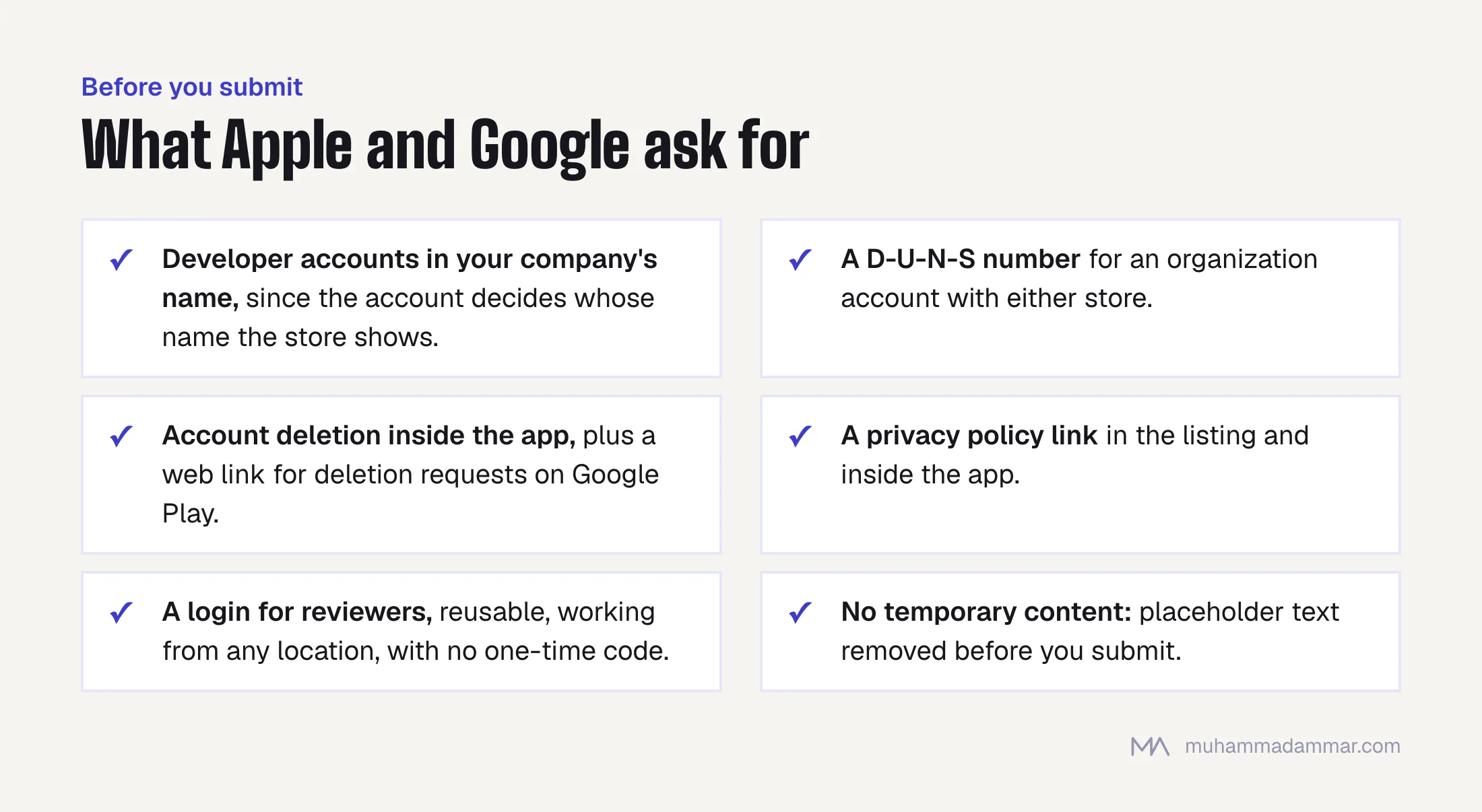
- Apple. To enrol as an organization, your company must be a legal entity with a D-U-N-S Number, and its name then appears as the seller. Enrol as an individual and your personal name appears instead.
- Google. An organization developer account needs a valid D-U-N-S number, and Google advises checking whether you already have one, since getting a new one can take time. Google currently requires personal accounts created after 13 November 2023 to run a closed test with at least 12 testers for at least 14 days in a row before the app can go public. Check the page before you plan around it.
- Access for reviewers. If the app has a login, Apple asks for a demo account, and Google asks for sign-in details that are reusable and work from any location, skipping any one-time code.
Apple also asks for placeholder text and temporary content to be removed before you submit, and a first submission to either store can come back with requests for changes. The full steps for both stores are in publishing your app under your company’s name.
What happens after an app is launched?
After launch an app needs updates and a plan for the next version, and you should hold everything needed to carry on with any developer.
At the time of writing (November 2026), Google Play requires new apps and app updates to target Android 16 (API level 36) or higher, and existing apps must target Android 15 or higher to stay available to new users. Check the current level before each release.
Read the crash reports, the store ratings and what users do in the app. That, more than the original wish list, should decide the next version. Hosting, outside services and updates keep costing money after launch, so plan for them.
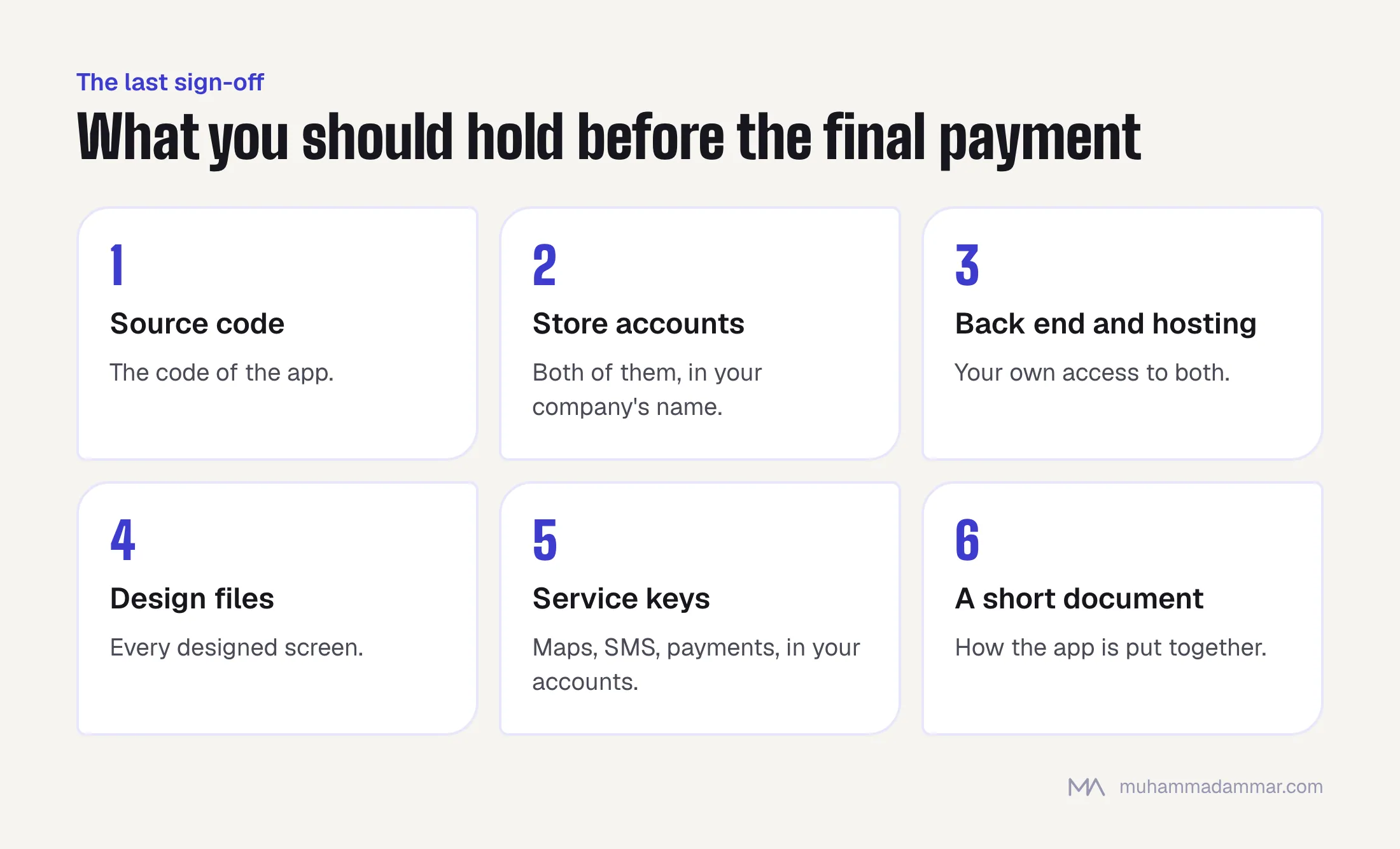
The last sign-off is the handover. Before the final payment, check that you hold the source code, both store accounts, access to the back end and hosting, the design files, the keys for outside services in your company’s accounts, and a short document on how the app is put together.
Frequently asked
What do I need to prepare before I talk to an app developer?
A one-page description is enough, and an app requirements template gives you the fields. Write who uses the app, what each type of user does in it, the few things it must do on day one, the languages, and what your team will manage from the admin panel. Add an app you like and say which part of it.
What should I receive at the end of each app development stage?
Something you can open yourself: a written scope, a clickable prototype, test builds on your phone, a test list with results, a store listing under your company’s name, and finally the code and the accounts. If a stage ends with a status update and nothing else, ask for the file before you approve it.
How long does each stage of app development take?
It depends on the app, so any number given before the scope is written is a guess. Stages get longer with more types of user, an admin panel with many roles, more outside services to connect, content that isn’t ready, and slow approvals. They get shorter when one person approves quickly and the first version stays small. Store review adds its own wait, and what makes an app take longer to build goes through the causes.
Can I change features after the build has started?
Yes, and most projects have some changes. Send each one in writing and get its effect on the scope and the schedule before work starts on it. Small changes can go into the current version. Bigger ones usually belong in the next version, so the launch date doesn’t keep moving.
If you’re planning a first app and want to go through these stages for your idea, message me with a short description of who will use it.

SEO and digital marketing consultant since 2015, working with businesses in Egypt, Saudi Arabia, the UAE and the USA.
About the author and editorial standards