On this page
Content decays, and not dramatically. A post that ranked third slips to sixth, then ninth, and because the drop is gradual nobody notices until traffic has halved. The instinct is to write something new. Usually the better return is in the articles you already have, and whether a refresh programme works or wastes hours depends almost entirely on how you choose what to touch.
How content decays, and how fast
Decay isn’t one thing. Knowing which kind you have decides whether a refresh will help at all.
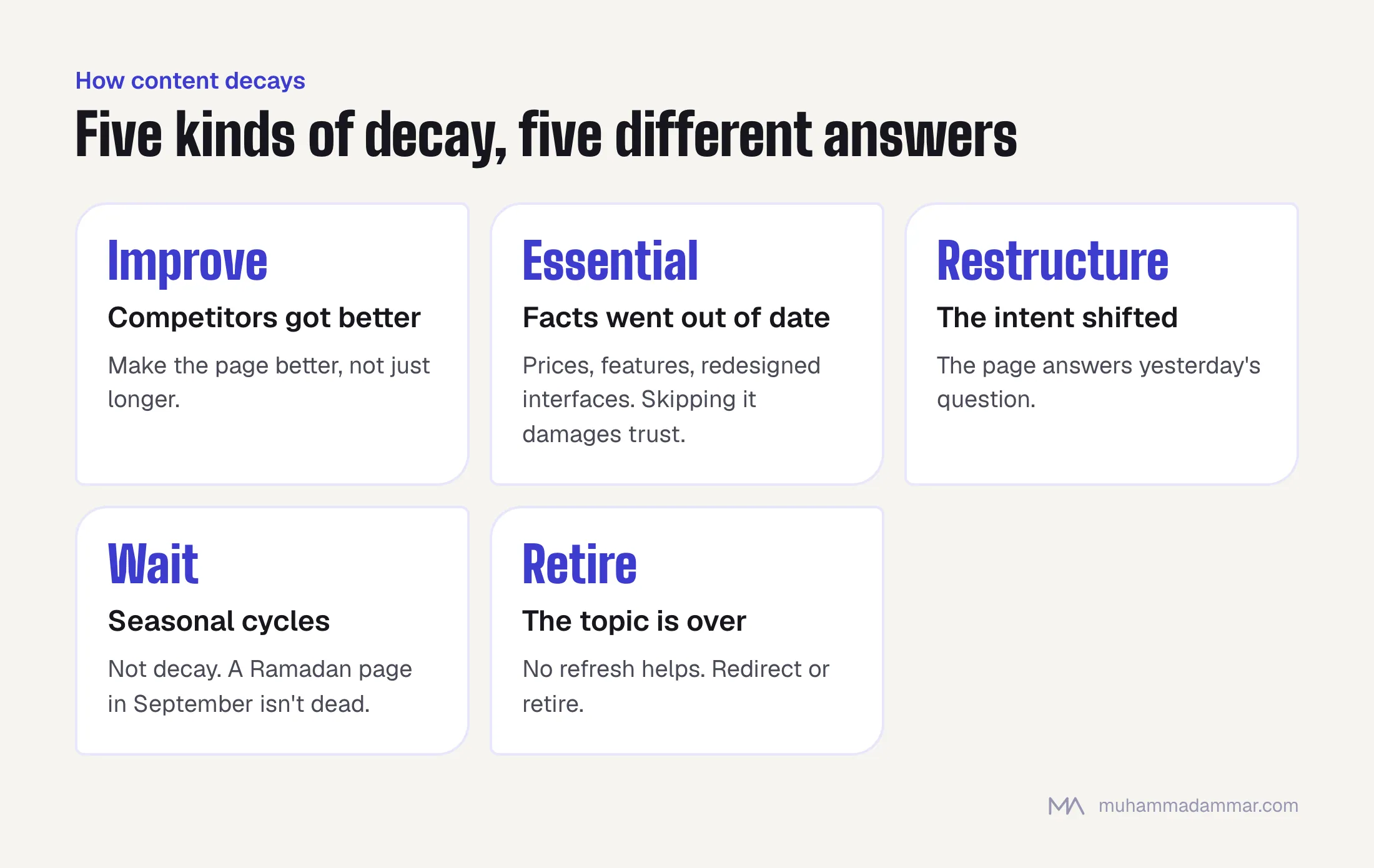
- Competitors got better. Someone published something better. Your page didn’t change, the comparison did. A refresh works if you actually make the page better, not just longer.
- Facts went out of date. The page says things that are no longer true: a price range, a platform feature, an interface that’s been redesigned. A refresh is essential, and skipping it damages trust.
- The intent shifted. What people want from the search has changed, and your page still answers the old question. Refreshing means restructuring, not updating.
- Seasonal cycles. Not decay at all. Traffic returns on its own schedule, and a Ramadan page in September looks dead but isn’t.
- The topic is over. A platform that no longer exists, a rule that was replaced. No refresh helps. Redirect or retire the page.
How fast it happens depends on the topic more than anything. Technical and platform content in this field goes stale within months; a conceptual explanation can last years. Judge by topic, not publication date.
Scoring posts to choose what to refresh
The mistake is refreshing the pages with the most traffic, which are usually fine, or the oldest pages, which may not matter. Score every candidate on four things instead:
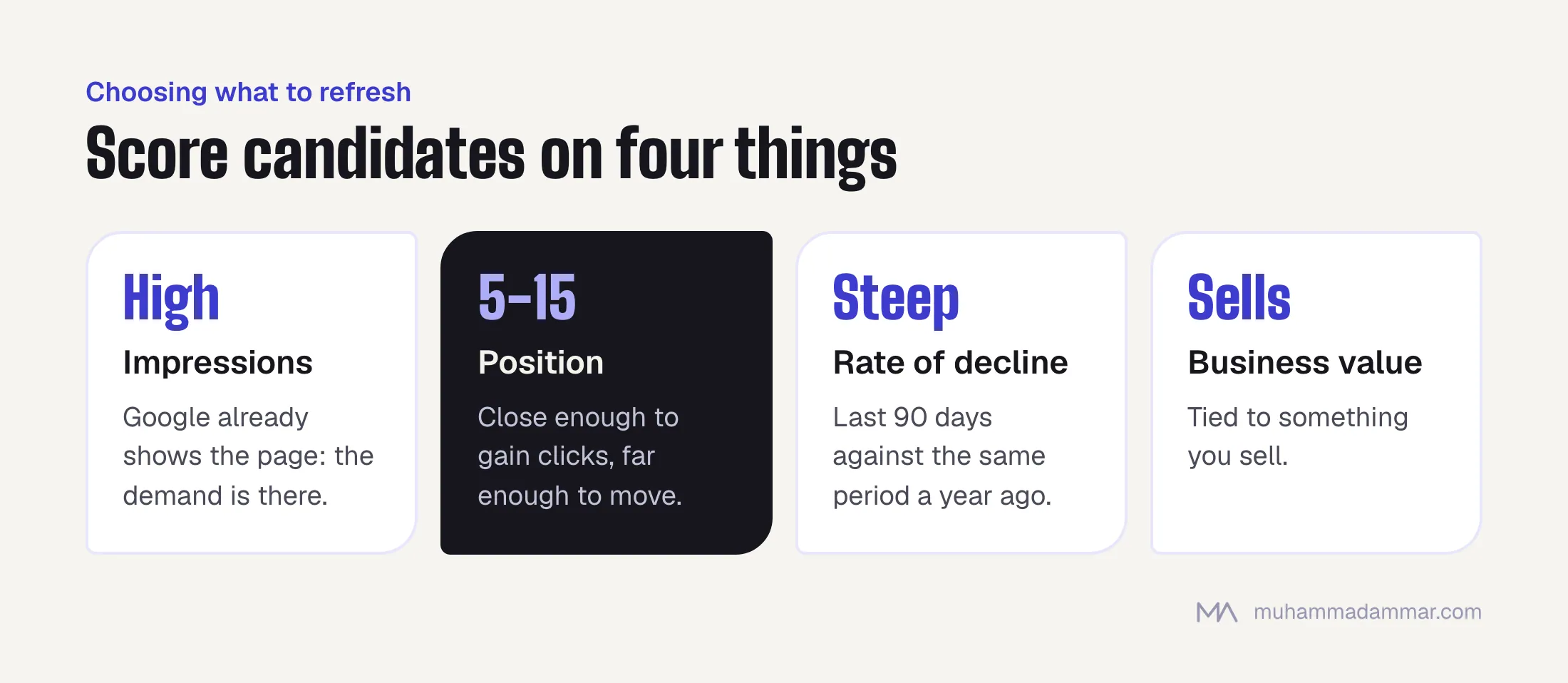
- Impressions. High impressions mean Google already shows the page. The demand is there, and the page is close.
- Position. Positions five to fifteen are the sweet spot: close enough that improving shows up as clicks, far enough that there’s room to move. A page at position two has little to gain. A page at forty needs rewriting, not refreshing.
- Rate of decline. Compare the last ninety days with the same period a year ago. A steep recent drop on a page that used to perform is the strongest signal there is.
- Business value. Is the page about something you sell? A declining article on a topic you don’t earn from matters less than a smaller one that’s tied to a service.
Rank the candidates and work down the list. Twelve to twenty proper refreshes a year beat sixty done in bulk, and the scoring stops the list being chosen by whoever remembers an old post.
Score the Arabic and English pages separately. They decay at different speeds, face different competition, and a page pair often needs a refresh on one side only.
What to change, and what to leave alone
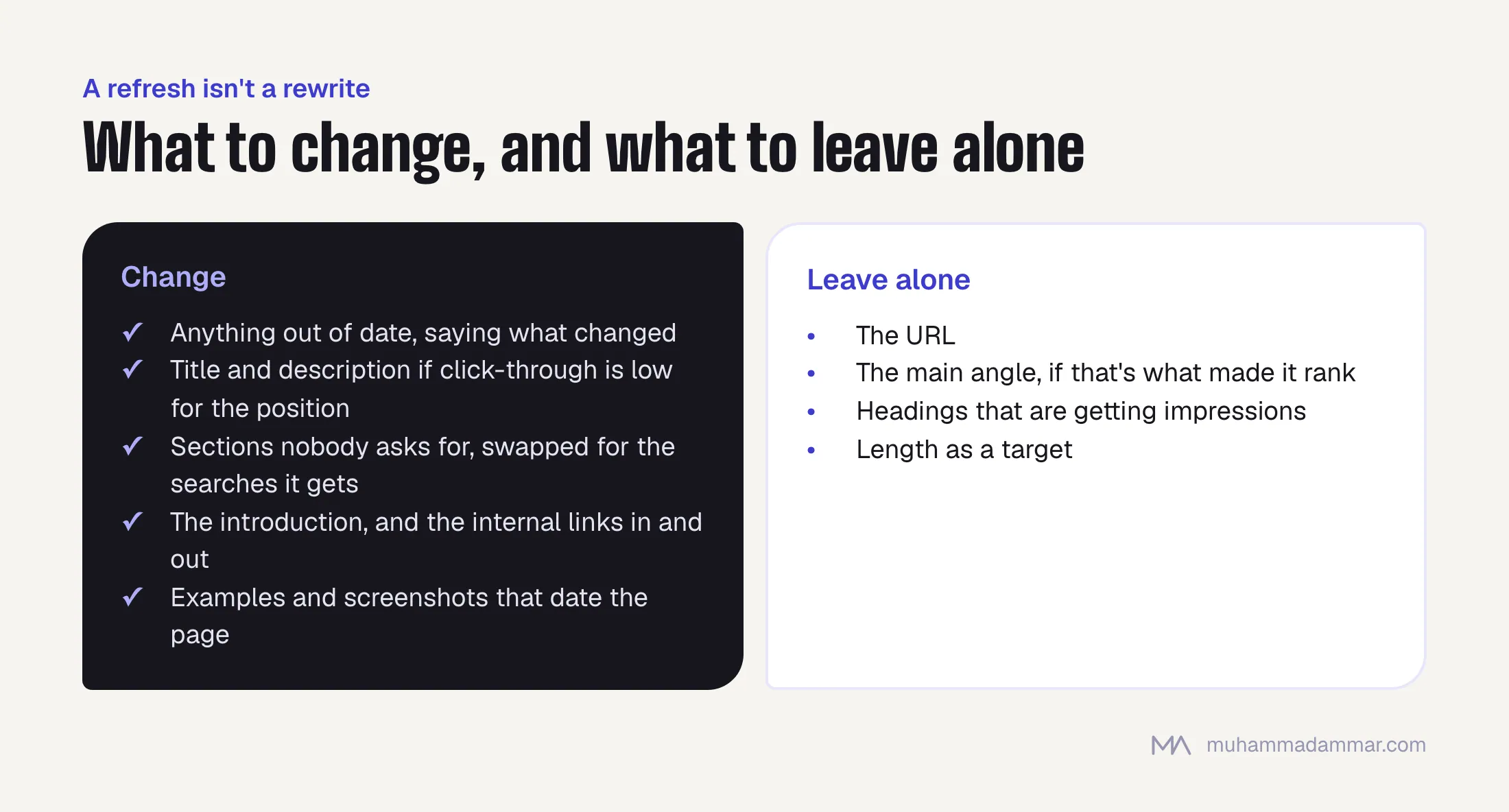
A refresh isn’t a rewrite. Start by finding out what the page already ranks for. The searches it gets impressions on often include several you never targeted, and they’re the clearest guide to what to add.
Change:
- Anything factually out of date, and say in the text that it was updated and what changed.
- The title and meta description, if the click-through rate is lower than the position should bring.
- Sections that answer a question nobody asks, replaced with sections answering the searches the page actually gets.
- The introduction, which on older posts is usually the weakest part.
- Internal links: the ones going out of the page and, more importantly, links into it from newer articles.
- Examples, screenshots and anything that visibly dates the page.
Leave alone:
- The URL. Changing it costs you the page’s history for a cosmetic gain.
- The main angle, if that’s what made the page rank in the first place.
- Headings that are getting impressions. Check before you rewrite an H2.
- Length as a target. Adding a thousand words to match a competitor’s word count is the most common useless refresh.
Being honest about dates
Changing the visible date on a page you barely touched is a trust problem, and readers here notice it faster than people think. An “updated this month” label on a page still showing a three-year-old interface looks dishonest, because it is.
- Update
dateModifiedin the structured data when the content really changed, and leave it when it didn’t. - Show the original publication date next to the update date. Both are useful.
- For pages you’ve revised heavily, consider a short “what changed in this update” note at the top. It’s honest, it helps returning readers, and it shows the page is maintained.
- Never bump dates automatically across the archive. It’s detectable, pointless, and it stops you knowing which pages are actually current.
URLs and redirects
Three situations come up, each with a different answer. If you’re updating a page in place, always keep the URL. If you’re merging two declining pages that cover the same ground, follow the steps in finding the pages competing with each other: pick the stronger URL, move over what adds something, and redirect the other. And if an annual guide has the year in its URL, move it to a permanent URL without the year and redirect the dated one, so next year’s update inherits everything instead of starting from zero.
Measuring whether the refresh worked
- Record the starting point before you publish: position, impressions, clicks and click-through rate for the previous ninety days. Without it, you’ll be arguing from memory in six weeks.
- Wait four to six weeks. Re-indexing is quick; ranking changes aren’t.
- Compare with the same period last year as well as last quarter, so seasons don’t fool you either way.
- Judge by clicks, not position. A better position that brings no extra clicks means the title and description are the problem, not the content.
- Keep a simple log: page, date, what changed, starting figures and result. After a year it tells you which kinds of refresh work on your site, which is worth more than any general advice, including this article.
Once a refreshed article is live, you can get more out of it with eight pieces from one article.
Refreshing is maintenance on something you’ve already paid for, which is why it belongs in ongoing SEO work rather than a content budget. The search analysis behind it is keyword research applied to pages that already exist.
Frequently asked
How often should I refresh a page?
When the data says so, not on a schedule. Review all your content every quarter, and refresh the pages that score highest.
Is refreshing better than publishing new content?
Usually it’s a better return per hour once a site has twelve to eighteen months of content. Before that you don’t have enough to make it worthwhile.
Should I move a refreshed post back to the top of the blog?
If the revision is substantial, yes. It earns the internal links and attention a new post gets. If it was a small correction, no.
Can I use AI to refresh content?
It’s useful for spotting gaps against the searches a page gets, restructuring and tightening. Not for supplying the new facts. The facts are the reason for the refresh, and someone who knows the subject has to check them.
What if a refresh makes things worse?
It happens, usually because something that was doing the ranking got removed. Keep the previous version, wait six weeks before deciding, and if the drop holds, put back the sections you cut.
Sitting on a few years of content and not sure which parts are worth reviving? Message me.

SEO and digital marketing consultant since 2015, working with businesses in Egypt, Saudi Arabia and the UAE.
About the author and editorial standards