On this page
Product structured data is one of the few areas of SEO where the rules are written down, and you either follow them or you don’t. For stores in this region, the interesting part isn’t the basic markup. It’s the three places where the rules assume things that aren’t true here: one currency, one country, and a manufacturer barcode on every product.
What merchant listing rich results need
To be eligible for product rich results, a product page needs a Product with a name, an image and an offers block with price, currency and availability. Everything else improves your chances; it doesn’t create eligibility.
{
  "@context": "https://schema.org",
  "@type": "Product",
  "name": "...",
  "image": ["https://.../product-1x1.jpg"],
  "description": "...",
  "sku": "SKU-1234",
  "brand": {"@type": "Brand", "name": "..."},
  "offers": {
    "@type": "Offer",
    "url": "https://.../product/",
    "price": "249.00",
    "priceCurrency": "SAR",
    "availability": "https://schema.org/InStock",
    "itemCondition": "https://schema.org/NewCondition",
    "priceValidUntil": "2026-12-31",
    "shippingDetails": {"@type": "OfferShippingDetails"},
    "hasMerchantReturnPolicy": {"@type": "MerchantReturnPolicy"}
  }
}
Two rules catch people out. First, the price in the markup must match the price the visitor sees, with or without tax in the same way as the page. A mismatch is the most common reason a merchant listing gets dropped. Second, if the page only shows a price after a variant is chosen, the markup must show a real default you can actually buy, not the lowest price in the range presented as if it applied to everything.
Several currencies and countries
Stores in the region often sell the same catalogue in SAR, AED and EGP. The wrong fix is to swap in whichever currency the visitor’s IP suggests on a single URL, because the crawler then sees one currency and the visitor another, and nobody can verify the markup.
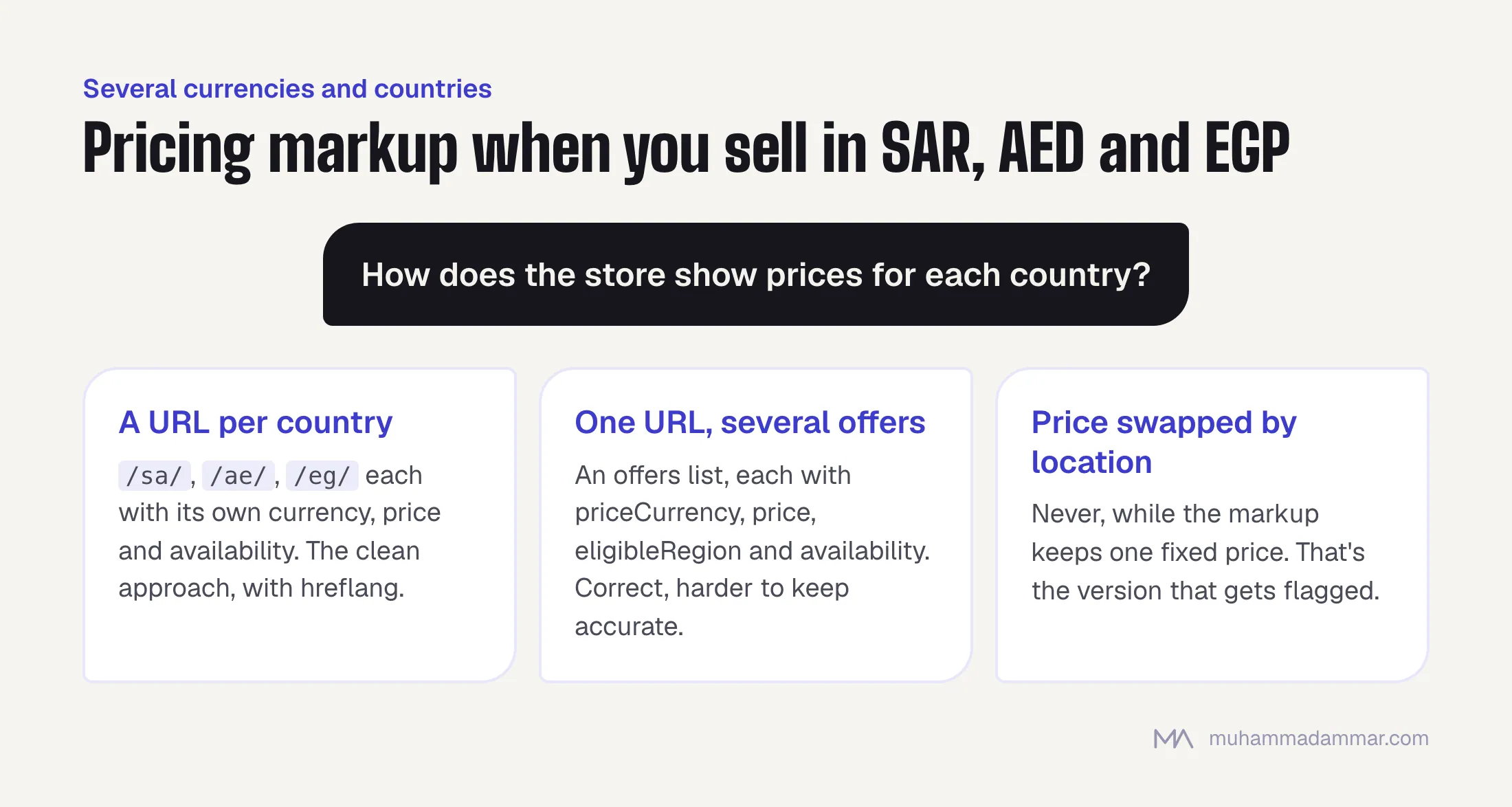
- If you have a URL for each country (
/sa/,/ae/,/eg/), give each URL its own currency, price and availability. This is the clean approach, and it goes with hreflang and country-specific shipping and returns. - If you have one URL with several offers, use an
offerslist, each entry with its ownpriceCurrency,price,eligibleRegionand availability. It’s correct, but harder to keep accurate when prices change. - Never swap the price in the browser by location while leaving one fixed price in the markup. That’s the version that gets flagged.
- Egypt needs extra care, because prices change more often there. If you can’t keep
priceValidUntiland the price itself current, stale markup is worse than minimal markup.
Availability, and how often to update it
The values that matter in practice are InStock, OutOfStock, PreOrder, BackOrder and LimitedAvailability. The usual failure isn’t picking the wrong one but letting it go out of date. Markup saying “in stock” on a product that’s been unavailable for three weeks is an accuracy problem that can affect the whole domain’s eligibility, not just that page.
Generate availability from the same source as the add-to-cart button, every time the page is built. If your store caches pages heavily, exclude the availability part from the cache or clear the cache when stock changes. What to do with the page itself when a product disappears is a bigger decision, covered in what to do with products that are gone.
The barcode (GTIN) problem for own-brand products
Many stores in the region are in this situation: they make or white-label their own products, those products have no manufacturer barcode, and every guide says GTIN matters for merchant listings.
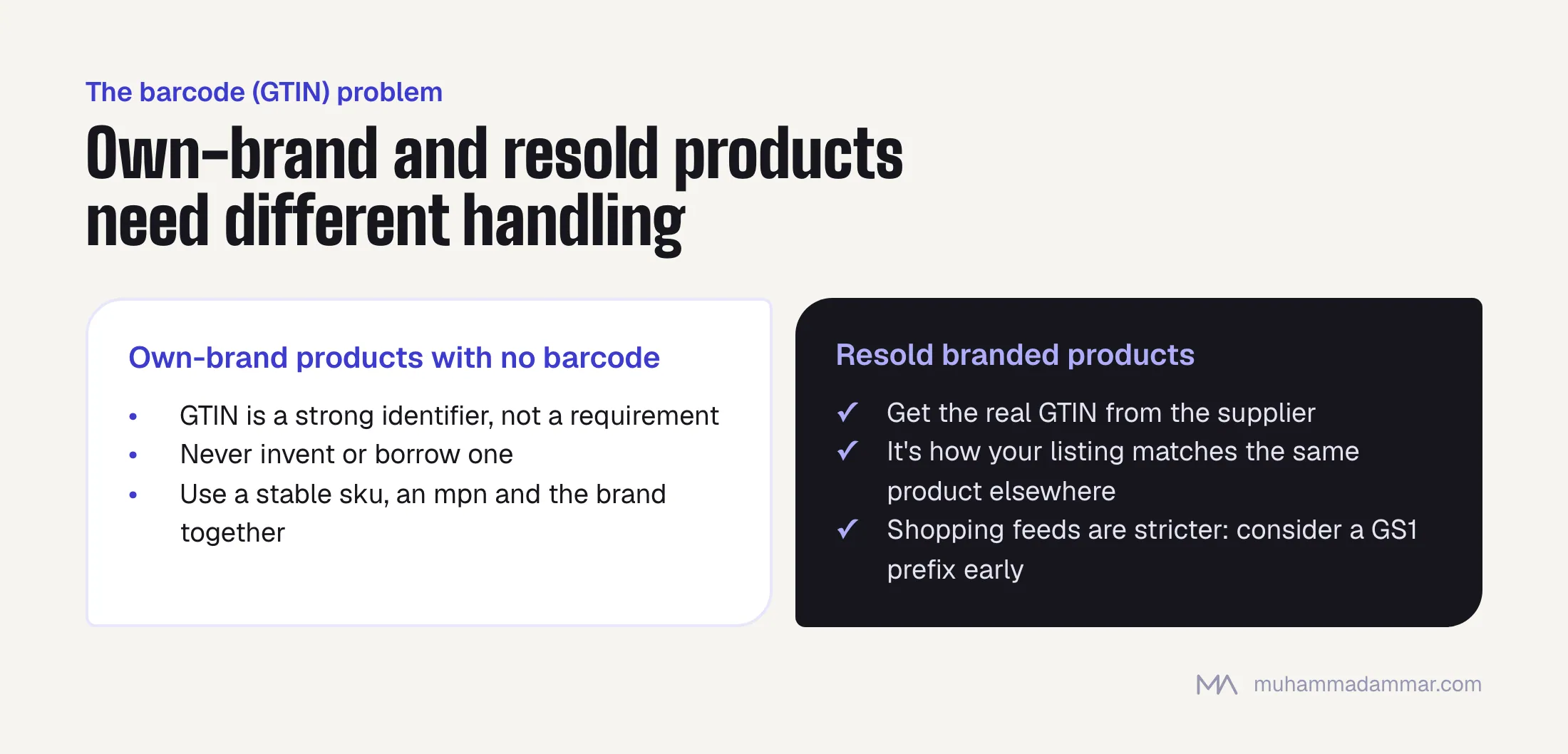
- GTIN is a strong identifier, not a requirement. A product that genuinely has none isn’t excluded from rich results.
- Don’t invent one. A made-up or borrowed GTIN is worse than none, because it matches your product to someone else’s and creates conflicting data.
- Use the identifiers you have. A stable
sku, anmpnand a properly statedbrandtogether identify an own-brand product well enough. - If you resell branded products, get the real GTIN from the supplier. For resold products it really matters, because that’s how your listing is matched to the same product elsewhere.
- If you plan to sell through shopping feeds, the identifier rules there are stricter than for rich results, so decide early whether to buy a GS1 prefix. For a catalogue you’ll keep for years, it’s usually worth it.
Review and rating markup without breaking the rules
Review markup is where stores get manual actions. The rules are simple and broken all the time:
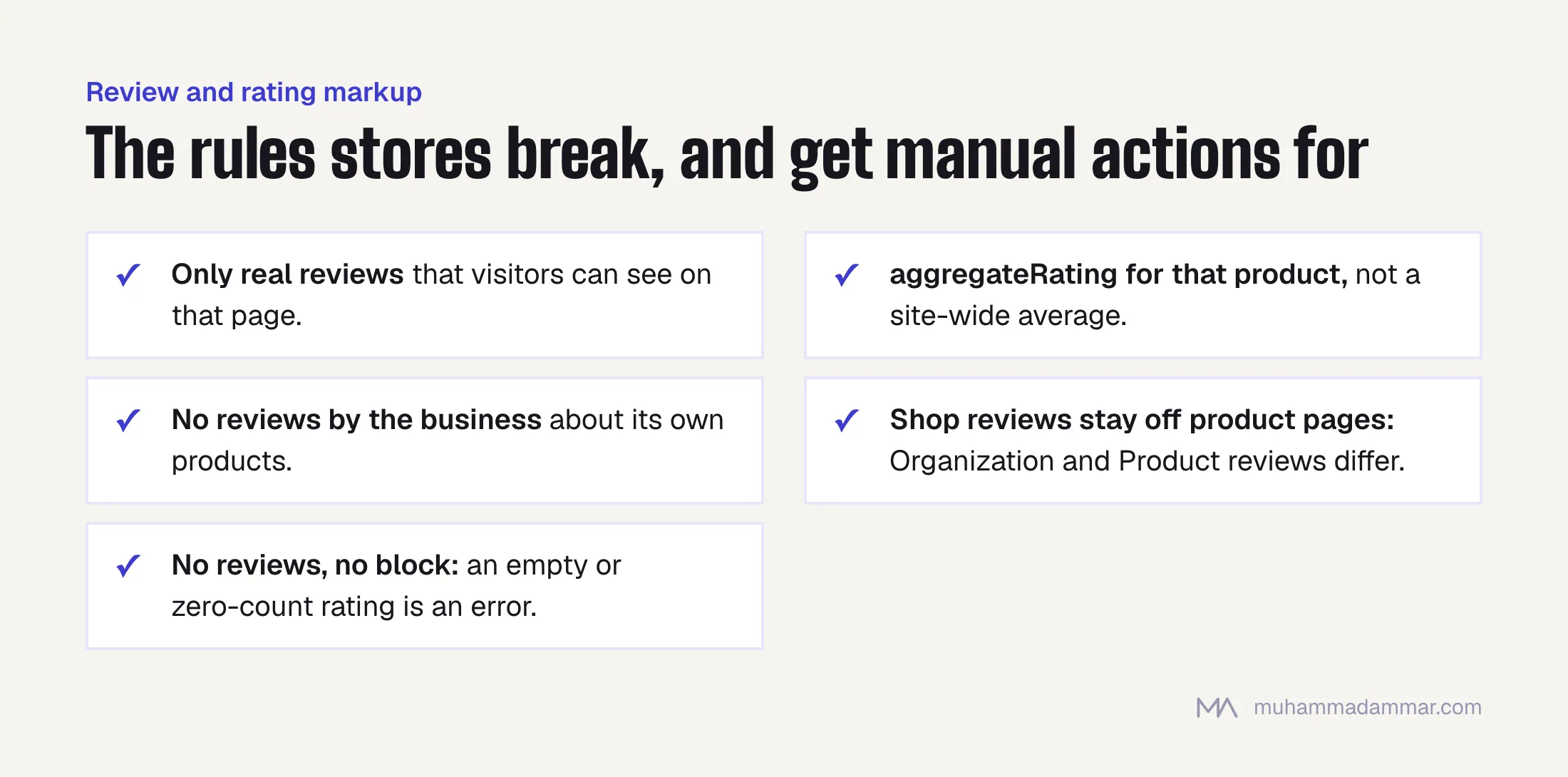
- Mark up only reviews that really exist and that visitors can see on that page.
aggregateRatingmust reflect the actual reviews of that product, not a site-wide average.- No reviews written by the business about its own products.
- Don’t mark up reviews of the shop on a product page.
Organizationreviews andProductreviews are different things. - If a product has no reviews, leave the block out. An empty or zero-count rating is an error, not a neutral state.
Checking and monitoring
- Validate the rendered HTML, not the source, because on many stores a script adds the JSON-LD.
- Check one product of every type: simple, variable, bundle, pre-order, out of stock, and one Arabic URL.
- Watch the merchant listing and product snippet reports in Search Console every week for the first month after any template change, then monthly.
- Set up a crawl that pulls
priceandavailabilityfrom the markup and compares them with what the live page shows. It catches the stale-cache problem before Google does. - Check again after every theme or plugin update. The most common reason markup breaks is an update nobody connected to it.
On the Arabic side, keep the name and description in the page’s own language, and keep number fields in plain Western digits. price has to read as a number, so Arabic-Indic digits in that field will fail validation even though they look fine to visitors.
Product markup works best on top of strong category pages, covered in category pages are your real money pages. Setting this up across a large catalogue is part of my e-commerce SEO work, and the rendering and caching side is technical SEO.
Frequently asked
JSON-LD, microdata or RDFa?
JSON-LD. It’s the recommended format, it sits separately from the page markup, and it survives template changes better.
Is my plugin’s built-in schema enough?
It usually covers the basics, and rarely shipping, returns or several currencies. Check what it outputs before adding a second source, because two Product blocks on one page is a common, avoidable conflict.
Do I need shipping and return details in the markup?
They aren’t required, but they make the listing more complete, and they’re exactly what buyers in this region hesitate over.
What about products with “price on request”?
Leave out the offer instead of marking up a fake price. A product without a price isn’t eligible for merchant listings, and that’s the honest situation.
Should variants have their own URLs and markup?
Only where people search for the variant specifically, such as a colour or size with its own demand. Otherwise keep one URL with a ProductGroup and avoid creating lots of thin pages.
Want your product markup checked against what your pages actually show? Send me your store.

SEO and digital marketing consultant since 2015, working with businesses in Egypt, Saudi Arabia and the UAE.
About the author and editorial standards