On this page
- What changes when programmatic SEO pages are in Arabic?
- How do you stop Arabic grammar breaking when the variable changes?
- How do you handle dialect and spelling variants in the keyword pattern?
- How do you build URL slugs for a generated Arabic set?
- How do you pair Arabic and English template pages with hreflang?
- Do you need separate pages for Egypt, Saudi Arabia and the UAE?
- What goes wrong with tables and numbers in right-to-left pages?
- What should you check before publishing an Arabic set?
- Frequently asked
Arabic programmatic SEO means generating many Arabic pages from one template and a dataset. It works on the same condition as in any language: each page holds something true only for it. Arabic adds places where a template breaks: grammar, spelling, URLs, hreflang and right-to-left layout. A page per city only holds when the data differs by city.
This is my own explanation of the method, built from Google’s pages and from how Arabic works. The examples are made up for illustration and describe no client work or result. The go/no-go test and the pre-launch quality checks are in other articles, linked below.
What changes when programmatic SEO pages are in Arabic?
The rule is the same as in any language; what changes is where the pages fail. Google’s spam policies describe scaled content abuse as “many pages are generated for the primary purpose of manipulating search rankings and not helping users”, however the content is made. Google’s page on generative AI content adds that automation or AI isn’t banned in itself, and that generating many pages without adding value for users may violate that policy.
Whether a set is worth building at all is the test in when template pages work and when they backfire. The checks each page needs before launch are in publishing at scale without tripping Google’s scaled content policy. This article covers what those leave out: the places where an Arabic template fails, which a native reader spots straight away.
| Part of the template | What breaks in Arabic | What to do |
|---|---|---|
| Sentences around a variable | Adjectives, counts and the article change with the variable | Store the forms as data, or avoid sentences around the variable |
| Keyword pattern | Dialect and spelling differ by country and by writer | One page per intent, variants worked into the copy |
| URLs | Encoded Arabic is hard to read in reports | A slug column, set once per row |
| hreflang | Pairs drift when each side is generated alone | Generate both sides from one pair key |
| Layout | Latin text and numbers scramble in right-to-left tables | Set direction on every variable field |
How do you stop Arabic grammar breaking when the variable changes?
Treat each variable as a bundle of forms. The words around it change with its gender, its number and whether it takes the definite article, so a sentence that is right for one row is often wrong for the next.
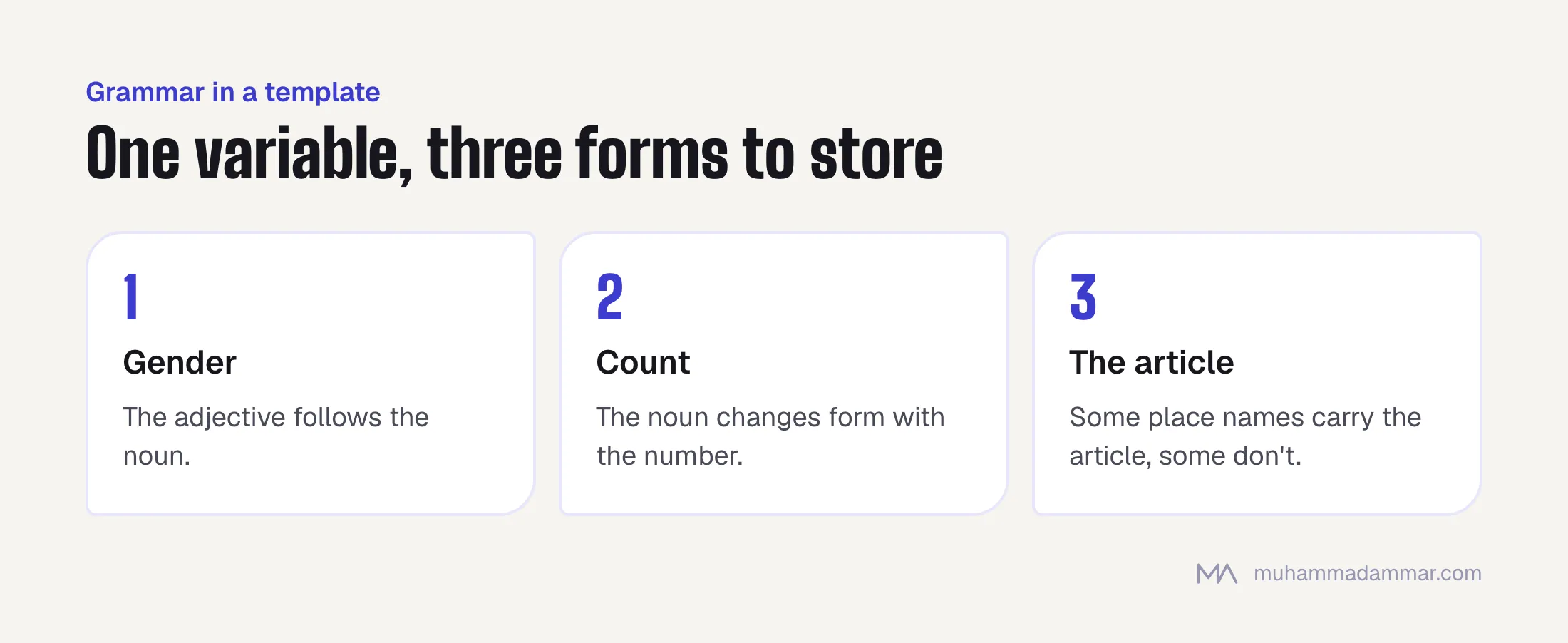
- Gender: the adjective follows the noun: شركة نقل أثاث موثوقة (sharikat naql athath mawthuqa, “a trusted furniture moving company”) but مكتب نقل أثاث موثوق (maktab naql athath mawthuq, “a trusted furniture moving office”). A fixed adjective in the template is wrong for one of them.
- Count: the noun changes form with the number: مكتب واحد (maktab wahid, “one office”), مكتبان (maktabaan, “two offices”), 5 مكاتب (khamsat makatib, “5 offices”), 12 مكتبًا (ithna ashar maktaban, “12 offices”).
- The article: some place names carry «ال» and some don’t: في الرياض (fi ar-Riyadh, “in Riyadh”) but في دبي (fi Dubai, “in Dubai”). Country names behave the same way, السعودية and الإمارات against مصر. Never add «ال» in the template. Store each name as it is written.
Two fixes work. Store the forms as columns (singular, plural, adjective by gender) and pick from them. Or write the sentence so it doesn’t depend on them: a label and a value, such as عدد المكاتب: 12 (adad al-makatib: 12, “number of offices: 12”), is correct for any count. Either way, have a native reader read one full rendered page for every combination type, because a correct data column can still produce a wrong sentence.
How do you handle dialect and spelling variants in the keyword pattern?
Put each intent on one page and work the variants into its copy. A page per spelling or per dialect is the near-duplicate pattern the go/no-go test rejects.
People ask the same question in different words. The price is بكام (bikam, “how much”) in Egypt and often كم السعر (kam as-si’r, “what’s the price”) in the Gulf. Spelling varies too: أسعار (as’ar, “prices”) is also typed without the hamza, and شركة (sharika, “company”) is sometimes typed with a plain ه at the end.
I can’t tell you how Google merges these, so check it on your own data: which spellings and wordings your existing pages already get queries under in Search Console. The method for building that list is in Arabic keyword research, and how Google processes Arabic text is in the Arabic SEO guide.
How do you build URL slugs for a generated Arabic set?
Give every row its own slug in a column, set it once, and never derive it again from the Arabic name. Whether the slug is in Arabic script, transliteration or English is a separate choice, weighed in choosing URL slugs for an Arabic site.
At this scale I’d lean to transliteration or English, because every report, feed and log that lists the URLs gets harder to read with encoded Arabic. This site uses the same English slug in both languages, with /ar/ in front for Arabic.
The fixed column matters because place names get respelled. جدة and جده (both Jidda) are two spellings of one city. A slug generated from the name would change with the spelling, which moves the URL and breaks the hreflang pair. Check the whole column for duplicates before launch.
How do you pair Arabic and English template pages with hreflang?
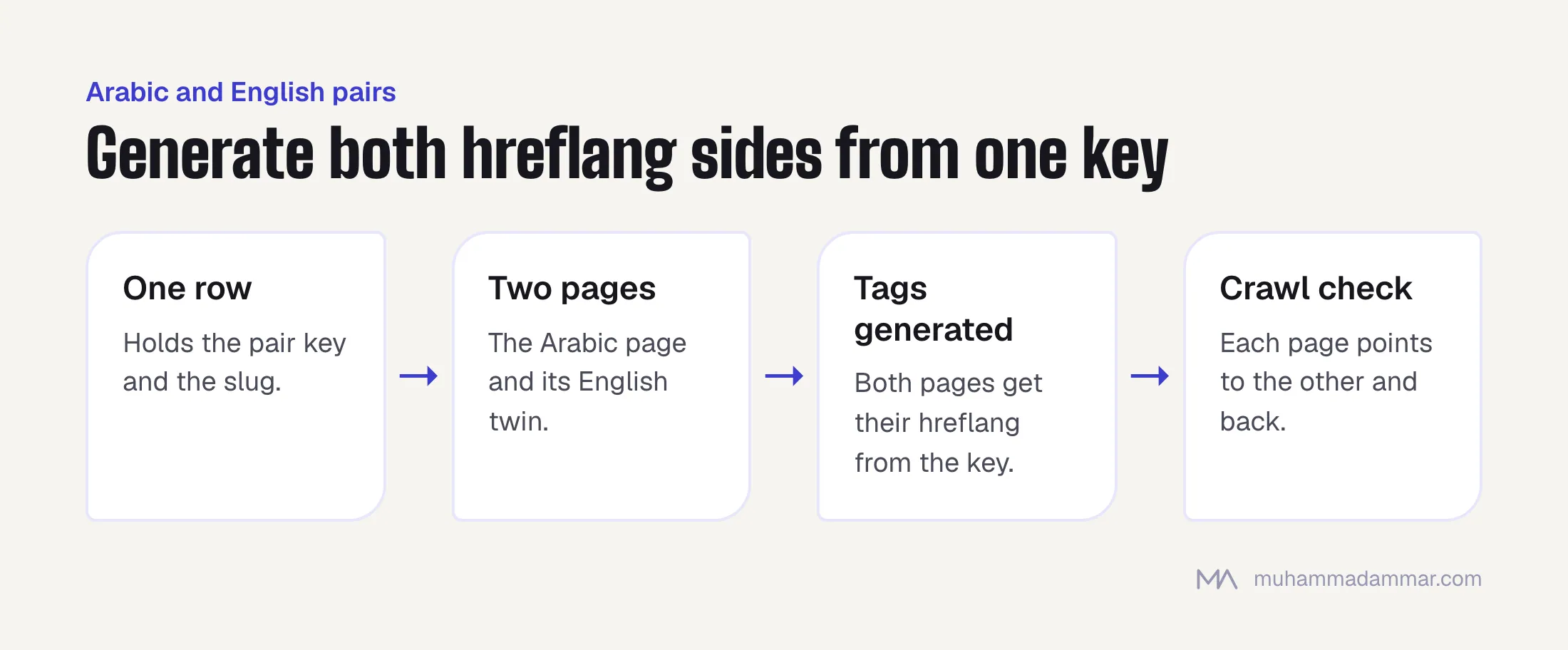
Store a pair key on each row and generate the tags on both pages from it, so each page always points at the other. Tags written by hand, or derived from the URL, drift as soon as one side changes.
The rules for the tags themselves (return links, the self reference, canonicals, region codes) are in hreflang mistakes on Arabic-English sites, so I won’t repeat them. Three points are specific to generated sets:
- A row with only an Arabic page gets no English alternate. Don’t make an English page just to fill the pair.
- An English twin produced by converting the Arabic automatically is the kind of automated translation Google names in its examples, so it has to pass the same test as any other page.
- If you also target the USA, that is an English set, paired page by page with the Arabic one, and each of its pages has to hold data of its own.
Do you need separate pages for Egypt, Saudi Arabia and the UAE?
Only when something on the page is true for one market and not for the others. Sharing one language isn’t a reason to merge the pages, and a difference in dialect isn’t a reason to split them.
| What differs between the markets | Pages |
|---|---|
| Only the wording or the greeting | One Arabic page, written in a tone that works across the markets |
| Coverage areas, partners, offices or contact details | Separate market pages built from those fields |
| Rules, licences or contract terms | Separate market pages, each stating its own |
| Nothing you can list | One page |
Separate market pages use region codes in hreflang, ar-EG, ar-SA and ar-AE, under the rule in the hreflang article: a region code only when that region gets different content. A page per city inside each market then has to pass the same test again, city by city. Businesses with physical branches are a different case, covered in location pages that scale without becoming doorway pages.
What goes wrong with tables and numbers in right-to-left pages?
Mixed-direction text and tables are where generated Arabic pages tend to look broken, because the person who designed the template never saw the odd rows.
- Latin text inside Arabic: brand names, model codes and phone numbers can reorder the punctuation around them. Wrap fields whose direction you can’t predict in a
<bdi>element, or setdiron them. - Tables: in a right-to-left page the first column sits on the right. View the widest table on a phone, not only on a desktop screen.
- Digits: choose Western or Arabic-Indic digits once for the whole set and use that choice in titles, tables and body text. Check it with readers in each market.
What should you check before publishing an Arabic set?
Add Arabic-specific checks to the quality gate, because no tool does them for you.
- Render one page for every combination of gender, count and article that your data produces, and have a native reader read each in full.
- Compare every place name with how local readers write it.
- Confirm that every slug is unique and fixed.
- Crawl the set and confirm that each Arabic page points to its English twin and back.
- View a table, and a page with a lot of Latin text, on a phone.
- Publish a small batch first and read what happens before adding more.
Planning a set like this is what the programmatic SEO service page describes. No page set comes with a promise of rankings or traffic, and nobody can give one.
Frequently asked
Does programmatic SEO work in Arabic?
Yes, on the same condition as in any language: each page holds data true only for it and helps the reader. Google’s policy applies however the content is made, and it doesn’t ban automation in itself. Arabic adds work on grammar, spellings, URLs and hreflang. Nobody can promise rankings.
Should Arabic template pages use Arabic URLs?
They can, but for a generated set I’d choose transliteration or English, because encoded Arabic makes reports and feeds harder to read. Whichever style you pick, store the slug per row, never change it afterwards, and use the same style across the whole set.
Can I translate English template pages into Arabic automatically?
Automation isn’t banned in itself, but Google lists automatically translating content into many pages that add little value among its examples of scaled content abuse. A translated set has to pass the same test as any other: each Arabic page holds data true only for it, and a native reader checks the rendered pages before launch.
If you’re deciding whether a list of cities, services or products should become Arabic pages, send me a message with the list and I’ll go through it with you.

SEO and digital marketing consultant since 2015, working with businesses in Egypt, Saudi Arabia, the UAE and the USA.
About the author and editorial standards